
With so many social sharing plugins available for WordPress it can be hard to know which one to choose. Some might look great and have lots of flashy features, but those animations and detailed graphics can come at a price, which often involves slowing down your site and increasing page load times; a surefire way to annoy your readers and prevent them from sticking around.
Other considerations to take into account when selecting a WordPress social share button plugin include which networks you want to cover, how you want the buttons to be displayed, and how much control you want over how the plugin is deployed on your site.
In this post, we’ve collected our picks for the ten best WordPress social sharing plugins.
Top Social Sharing Plugins for WordPress
To save you from testing the wide range of options yourself, we’ve compiled our list of the ten best WordPress plugins for social sharing.
1. Novashare
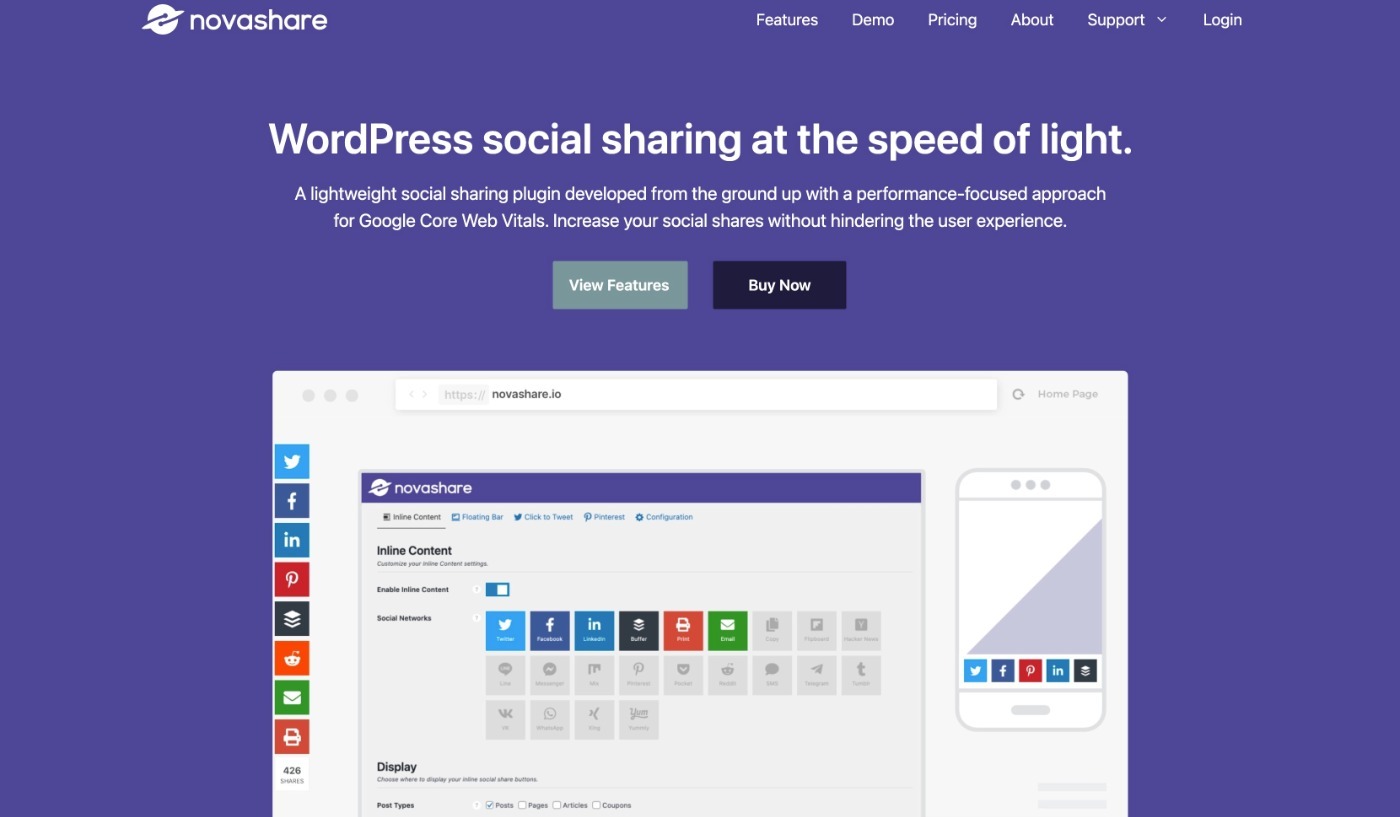
Novashare is a premium WordPress social sharing that emphasizes performance and keeping your share buttons as lightweight as possible.
Basically, it wants to give you the important social sharing functionality that you need, but without slowing down your site’s load times. As such, you probably won’t be surprised that it comes from the same developer of the Perfmatters performance optimization plugin.
Despite that, you still get all of the features that you’d expect from a social sharing plugin, including the following:
- Support for 24+ sharing options, including all of the most popular social networks as well as chat apps like WhatsApp, Messenger, LINE, and more.
- Share counts – both total and individual.
- Multiple display locations – automatic inline placement (above and/or below content), manual placement, or floating bars.
- Click to tweet block.
- Special Pinterest “Pin” button on image hover.
- Social follow button support.
- Analytics and link shortening integrations.
Novashare starts at $24.95 for use on a single site.
👍 Pros:
- It’s very lightweight and won’t slow down your site.
- It supports all of the most important networks, including chat apps like WhatsApp.
- You still get a good number of features when it comes to design and placement, even though it keeps things lightweight.
👎 Cons:
- It only comes in a premium version.
- While it supports all the major social networks, it doesn’t have as many smaller, less popular social networks
2. Easy Social Share Buttons for WordPress
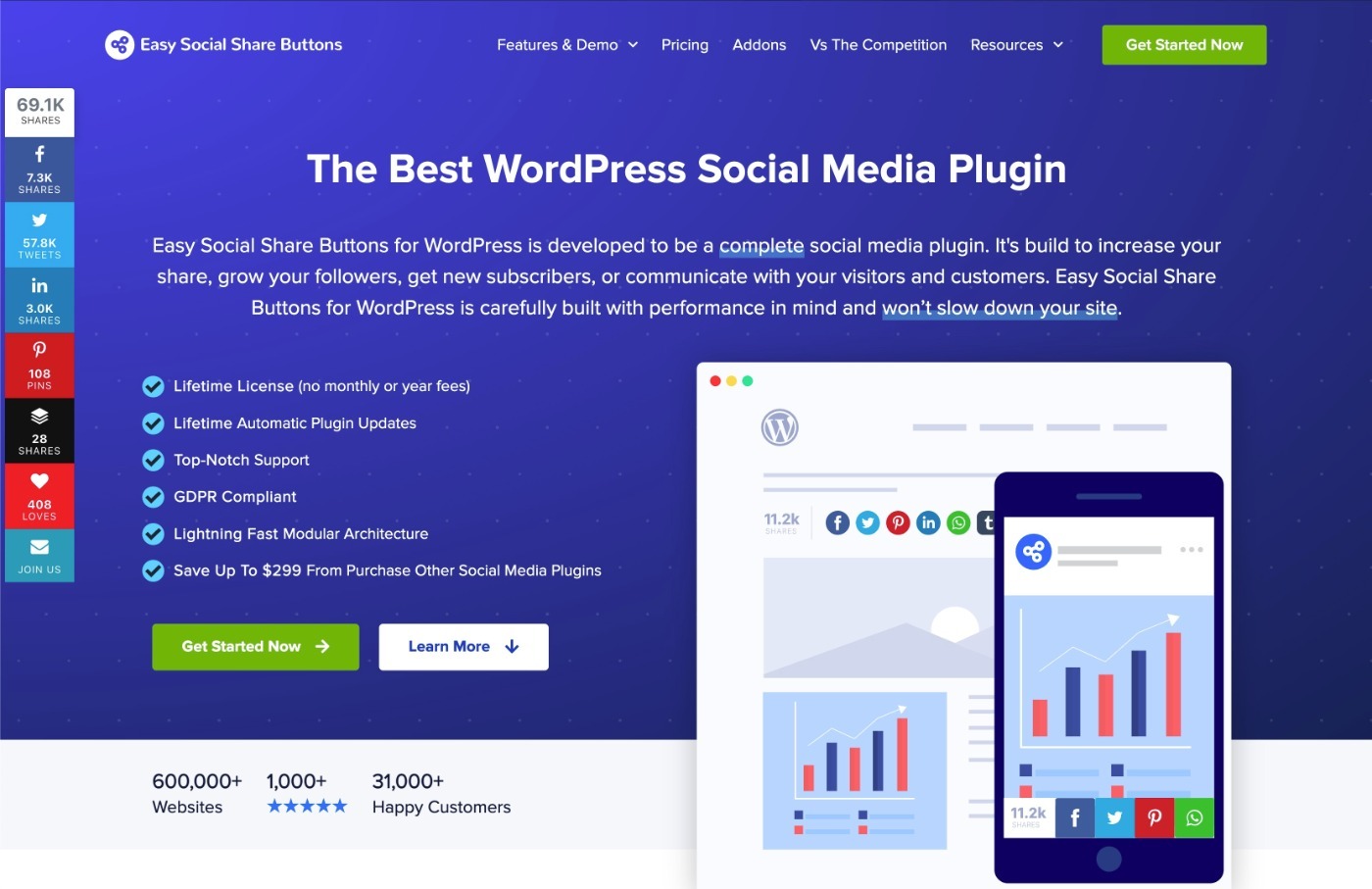
Easy Social Share Buttons, or ESSB for short, is the most popular social sharing plugin at Envato’s CodeCanyon marketplace.
Calling it just a social sharing plugin is a bit of an understatement because this one is absolutely packed with features to help you integrate social media networks with WordPress.
First off, it comes with a ton of different social sharing placement options and looks. You get 50+ social share templates along with 30+ automatic placement options (or manual placement if you prefer that).
Apart from so many social sharing options, it also lets you decide when to show the share counts and when to hide them. This feature can be very useful, especially for new bloggers who are just starting out, and does not have any social proof to show off.
Easy Social sharing is fully compatible with third-party plugins such as bbPress, BuddyPress, WooCommerce, etc. This means that you can easily add social media buttons on your sales pages, forums, or other pages on your site.
It also provides a powerful dashboard to centrally monitor social activity across leading social media networks.
Note: All these features are great, but you should know that it can have a significant impact on your site speed. Since the last update, the plugin has become more resource intensive.
Easy Social Share Buttons costs $22 for use on a single site, which includes lifetime updates at no extra cost.
👍 Pros:
- It’s absolutely packed with features.
- The price is low and you get lifetime updates with your purchase.
- It offers the absolute most display positions, with 30+ to choose from.
- It also includes lots of features to grow your social following.
👎 Cons:
- It can feel a bit bloated if you’re not going to use all of those features.
- You need to purchase a separate license for each site.
3. Kiwi Social Share
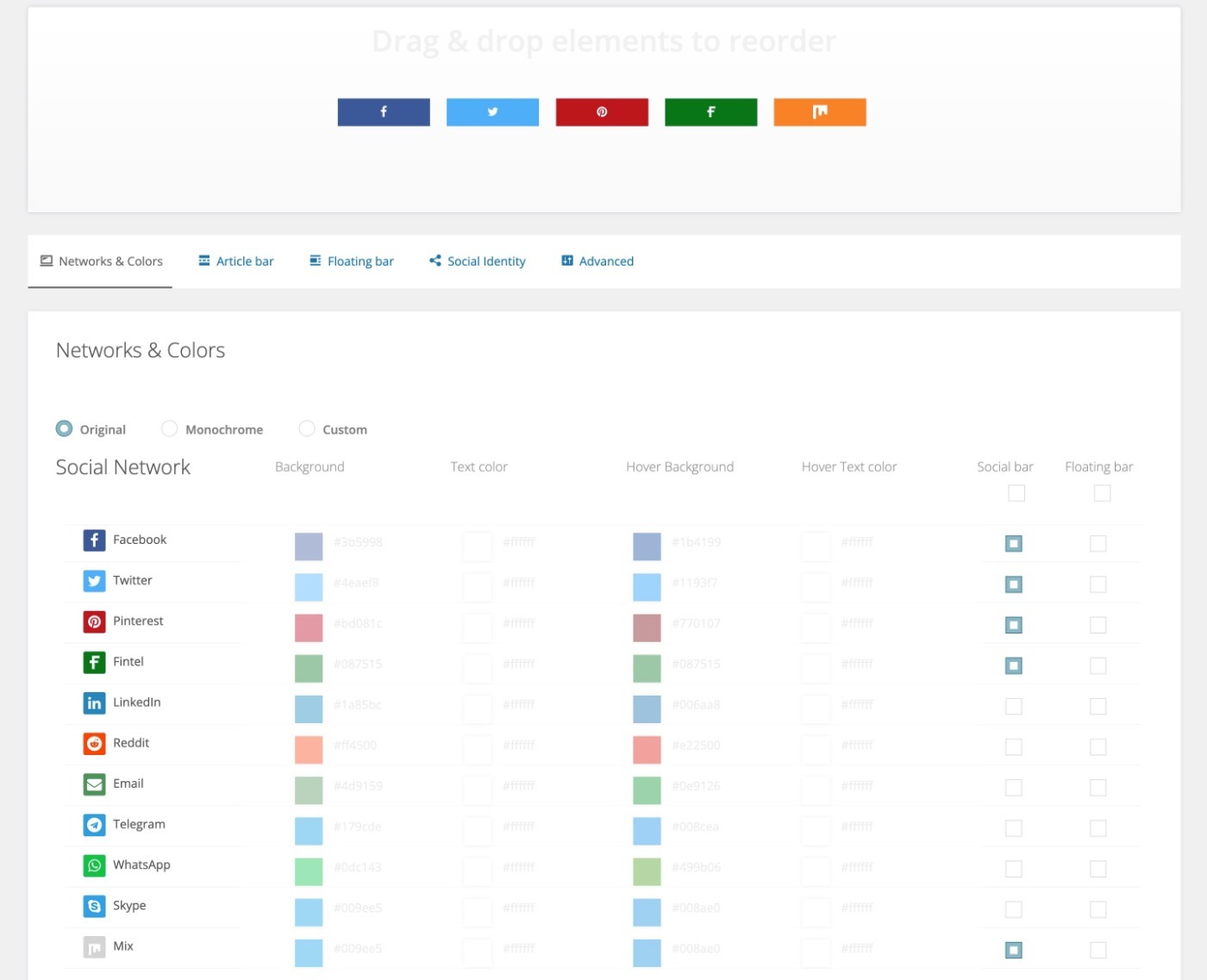
Kiwi Social Share makes it easy to add modern social share buttons for all the most popular networks, including:
- Flint
The UI is simple, and you can choose from different placements like in-content or floating share buttons, as well as different button styles including:
- Square
- Shift (a modern look)
- Pill
- Rounded corners
- Leaf
The plugin also lets you display share counts to add some social proof to your content.
And for another way to let people share your content, the Kiwi Social Share plugin also lets you add click to tweet buttons to your content.
You can also integrate with Google Analytics to track social sharing usage.
Kiwi Social Share is 100% free and available at WordPress.org.
👍 Pros:
- The button styles look great and have modern designs.
- It’s 100% free.
- It’s pretty lightweight, which means that your social sharing buttons won’t slow down your site.
👎 Cons:
- While it supports all the major social networks, it doesn’t have as many smaller, less popular social networks
4. Social Snap
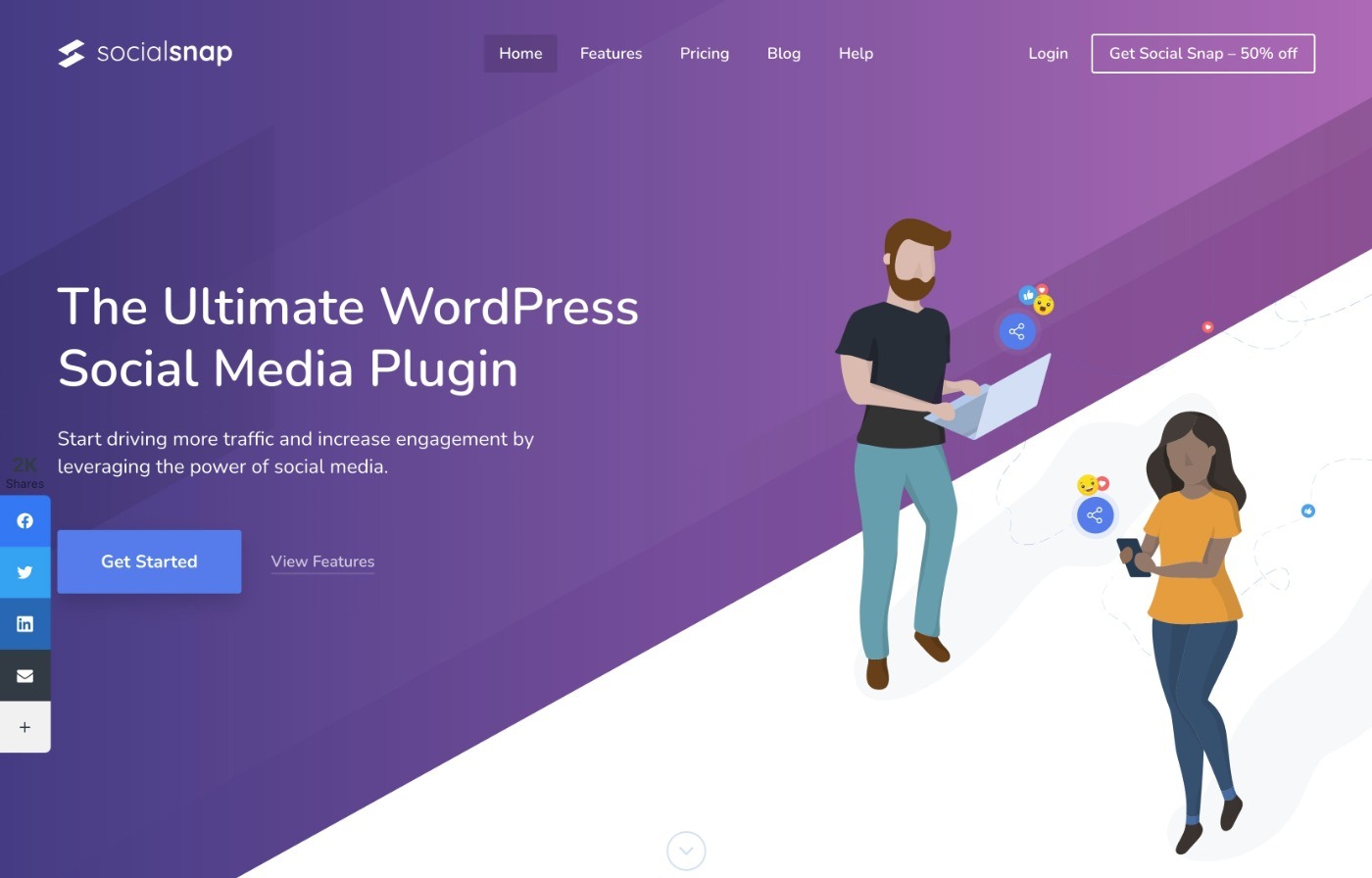
Social Snap is a social share plugin that aims to be an all-in-one solution for your WordPress social media needs.
It comes in both a free version at WordPress.org, as well as a more feature-rich premium version.
With the free version, you can add great-looking share buttons for the most popular social networks, including:
You can display your buttons in a variety of spots – including before/after your content or as a floating bar. And you can also display the total share count or share counts for individual networks.
If you’re willing to pay, the premium version adds support for:
- A lot more social networks
- Social login
- Social media auto-poster
- Social media meta tags
- Plus a lot more!
The premium version starts at $39 for use on a single site.
👍 Pros:
- Great-looking button designs.
- Lots of positioning options, including some unique options.
- The Pro version can be a full WordPress social media solution – it does a lot more than just social sharing buttons.
👎 Cons:
- The free version only supports the basic, popular networks
5. Monarch
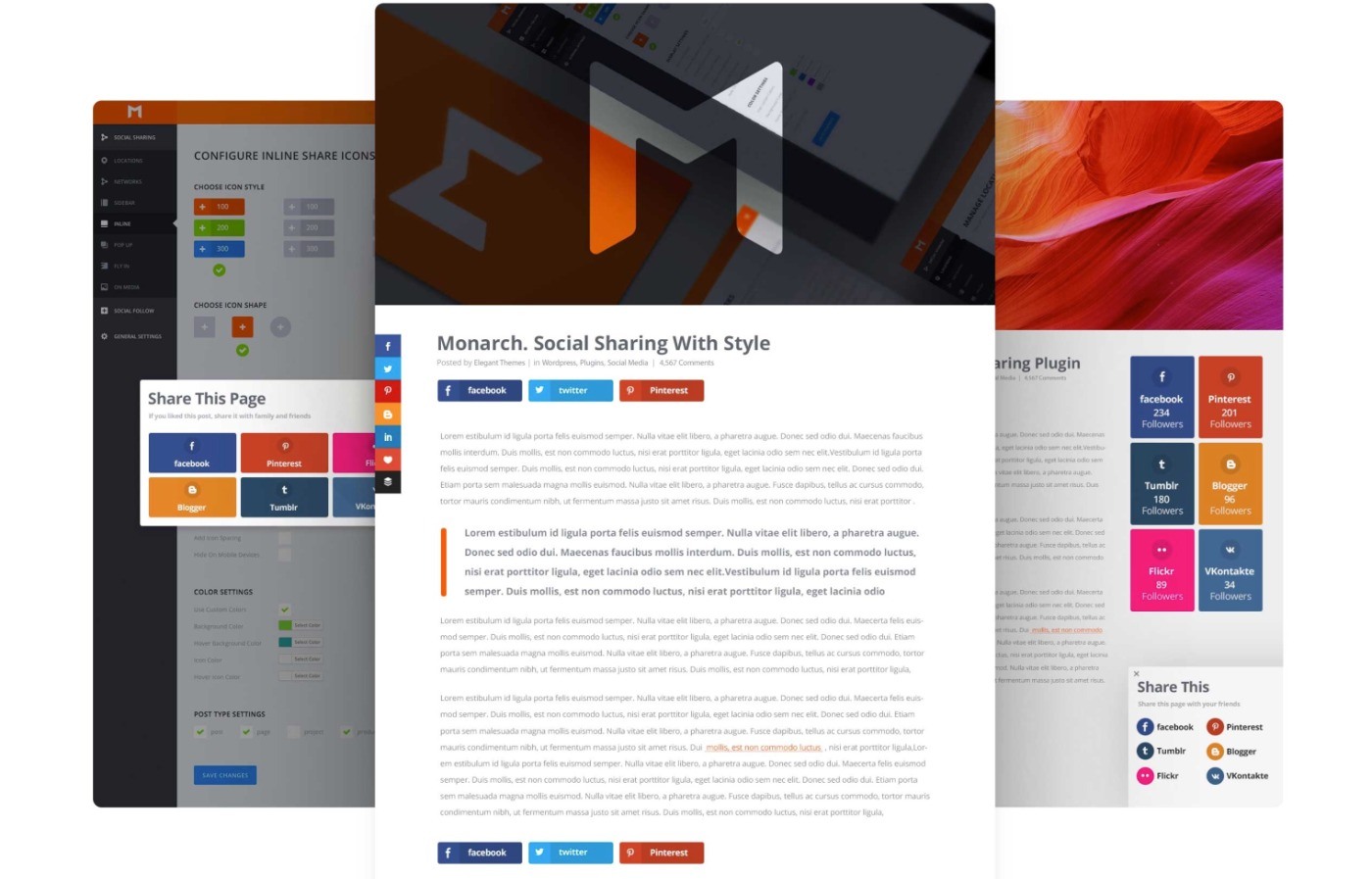
Monarch is a WordPress social sharing plugin from Elegant Themes, that boasts some fantastic features including fly-in, inline, popup, and floating social media buttons. It also allows you to display share counts after the post has reached a certain social count. Apart from social media buttons on posts, you can also add follow buttons in your sidebar or other widget areas.
The plugin has a really nice-looking interface, where you can monitor social shares, add new popups or fly-ins, and set social triggers to show timely popups.
Beyond that, you can display social icons in your content area or anywhere on your site with automatic placement options or a manual shortcode.
Here are some other notable features:
- Easily add social icons
- Multiple options to display social shares
- Multiple social triggers
- Hide the post, if it doesn’t have more than X shares
- Easy-to-use options page
- Track social shares / counts
Monarch is only available as part of the Elegant Themes membership, which gets you access to all of Elegant Themes’ products including Divi and the Bloom email opt-in. You can pay $89 for a one-year license or $249 for a lifetime license, both of which support unlimited sites.
Our Elegant Themes coupon can usually save you some money, though.
This makes it a good value if you’re interested in those other tools (especially Divi), but it’s not good value if you don’t plan to use Divi.
To learn more about the membership, you can read our full Elegant Themes review or our reviews of other Elegant Themes products:
👍 Pros:
- The default button designs look nice.
- You can add social share and social follow buttons.
- You get it at no extra cost if you’re already planning to use Divi.
👎 Cons:
- It doesn’t support some important networks, such as WhatsApp.
- The price is expensive if you’re not going to use the other Elegant Themes products.
6. Jetpack
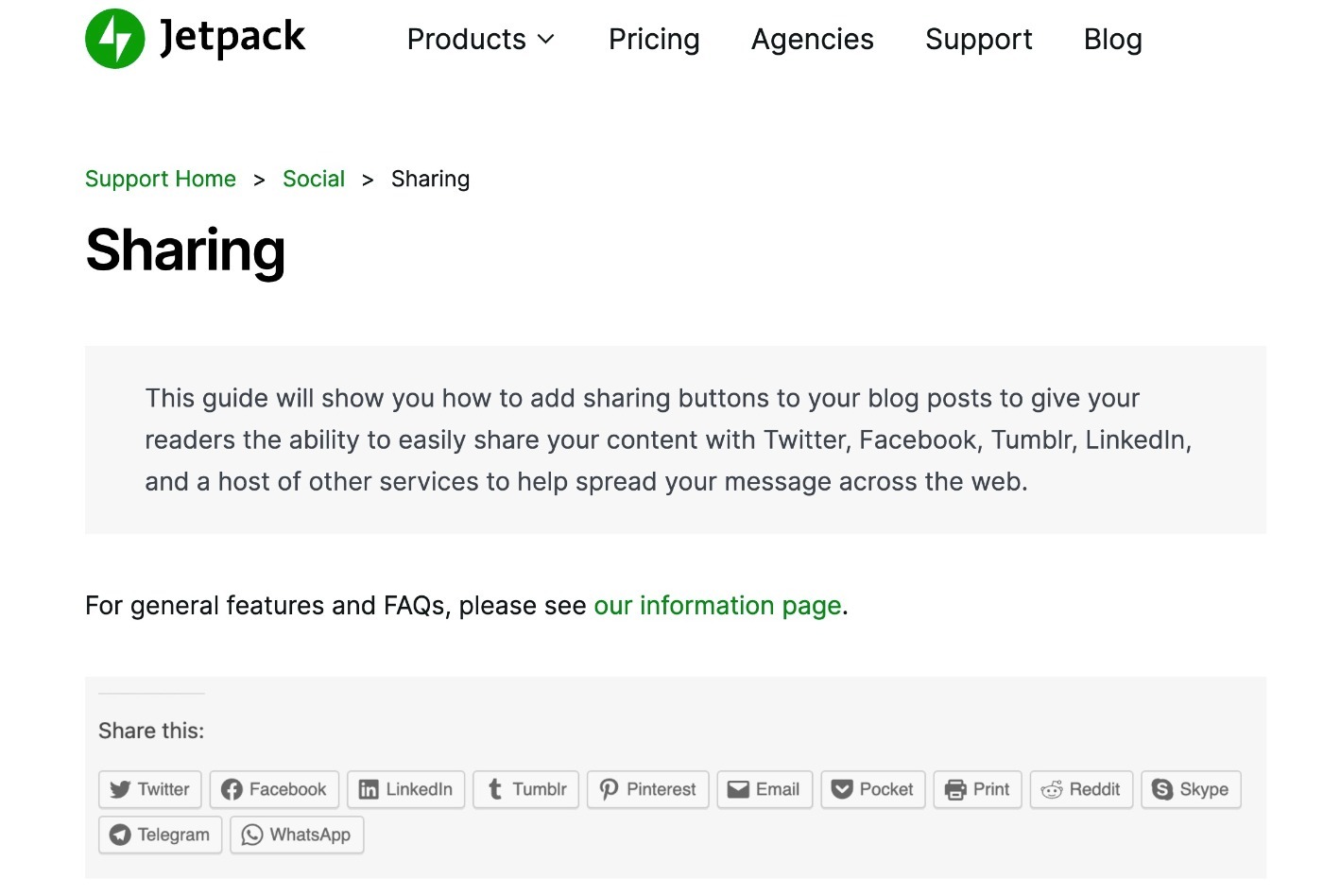
Jetpack is a plugin that allows self-hosted WordPress sites to get access to some of the features that WordPress.com sites can make use of. It was developed by Team Social, as documented in the riveting book: The Year Without Pants.
Part of Jetpack includes the ability to add sharing buttons to your posts and pages using the Publicize module.
Once you’ve installed and activated Jetpack on your site, you can then activate the module from the plugin settings page. There is a good amount of settings available and you can choose which networks to display buttons for and also customize how the buttons will look.
Though Jetpack does have paid plans, the social sharing features are available 100% for free.
You can pay for additional social media features, though, if you want to automatically post your own content on social media.
👍 Pros:
- The social share button features are 100% free.
- Jetpack has lots of other helpful features, which can be helpful if you’ll take advantage of those features.
👎 Cons:
- Not the best looking or flexible share buttons available.
- Requires a (free) WordPress.com account to use.
- Includes lots of other features you might not need.
7. AddToAny Share Buttons
By the numbers, AddToAny Share Buttons is the most popular social media sharing plugin at WordPress.org.
The biggest reason to choose this plugin is because of the huge number of social networks that it supports.
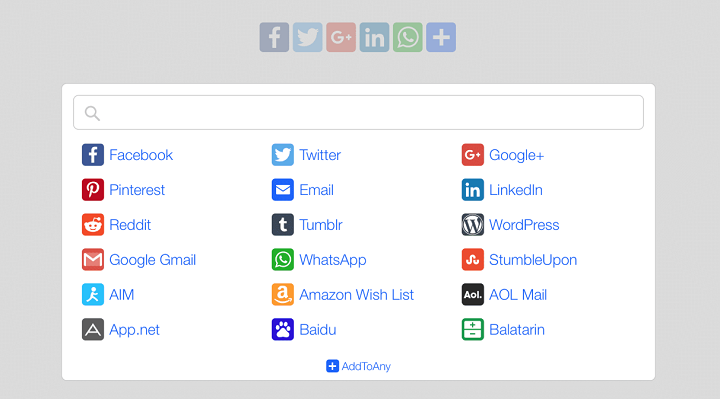
AddToAny lets you and your visitors choose from over 100 different networks to share your content on. You can create dedicated buttons for the most popular networks. Then, you can add a universal + icon that opens a popup where users can choose from all of the smaller networks, too.
AddToAny lets you display your buttons before/after content or as a floating bar. And you can also add social share counts alongside the share button.
Finally, AddToAny includes a built-in Google Analytics integration that lets you track share analytics.
AddToAny is free and available at WordPress.org.
👍 Pros:
- Supports a huge number of social networks – well over 100.
- You can highlight important networks and then add a “universal” option that lets people choose any network.
- The built-in Google Analytics integration is useful for optimization.
- It’s 100% free.
👎 Cons:
- The plugin adds a lot of weight to the page, so it’s not the best from a performance perspective.
- It doesn’t let you adjust social share metadata (though most SEO plugins let you control this).
8. Sassy Social Share
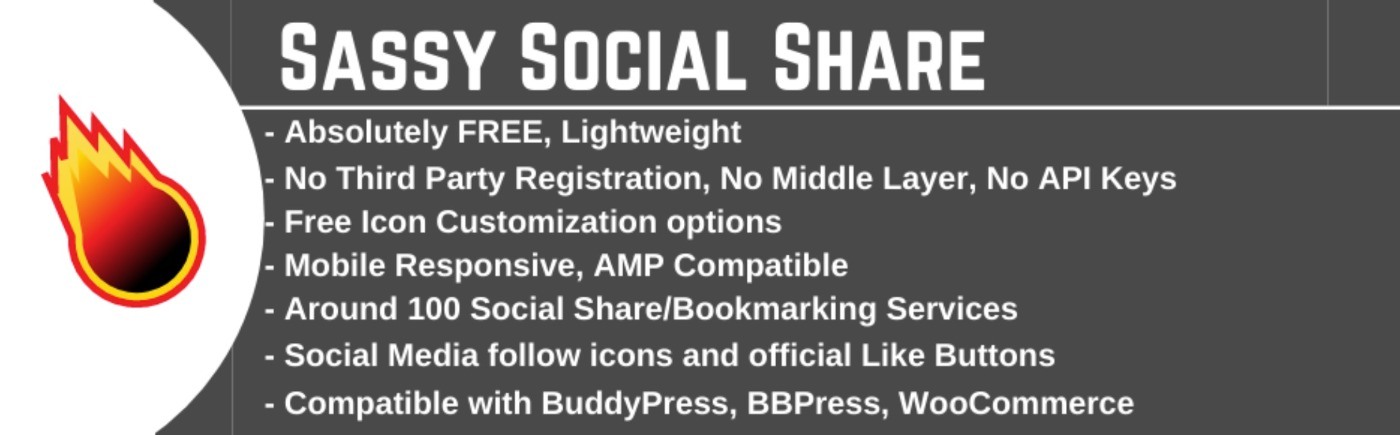
Sassy Social Share is another popular social sharing plugin at WordPress.org.
One of the most unique things about this plugin is the huge variety of share button designs that it offers, including some really unique-looking designs that you won’t find in other social share plugins.
Beyond that, it also offers support for a wide variety of networks – 100+ in total.
Plus, you get a bunch of other helpful features. Here are some of the most notable features that we haven’t covered yet:
- Total and individual share counts
- URL shortening service integration
- Social follow/like button support in addition to sharing
The core Sassy Social Share plugin is free. However, you can optionally purchase paid add-ons to extend the plugin with even more features.
👍 Pros:
- Has some unique button designs and just generally gives you above-average control over how your share buttons look.
- Supports 100+ social networks, which gives you access to a ton of options. You can also add a universal share button.
👎 Cons:
- If you just want something straightforward, you might prefer a more focused plugin.
9. MashShare

MashShare helps you add Mashable-style social share buttons to your WordPress site (based on the Mashable website). If you’re not sure what that means, you can see an example in the screenshot above.
If you like that design/layout, that’s the main reason to use this plugin over the other social sharing plugins on this list. It does support more traditional layouts – you’re just missing out on the most unique part of the plugin if you use those.
It also includes a generally solid feature list to back up the design:
- Support for a lot more social networks than the original Mashable design.
- Click to tweet buttons.
- Select and share feature to let users share any text just by highlighting it (like Medium).
- Google Analytics integration for optimization.
- Option to ask for a like after someone shares content.
The core MashShare plugin is free. You can also purchase individual add-ons to extend the plugin or get a bundle of all add-ons from €39.
👍 Pros:
- It has a unique way of displaying social share buttons that most other plugins don’t offer.
- It still supports all the important social networks, including WhatsApp.
- The paid add-ons have some unique features, such as the select and share feature.
👎 Cons:
- If you want “traditional” share buttons, you’ll probably want a plugin that puts that approach first.
10. Grow Social

Grow Social, formerly the Social Pug plugin, is a lightweight social sharing plugin from Mediavine, a popular display ad network.
It gives you an easy way to add lightweight, yet stylish, buttons to your site. As with all of Mediavine’s offerings, it emphasizes performance and avoids slowing down your site with unneeded bloat.
It’s not overflowing with features, but it does enough more than enough for most people.
The free plugin offers everything that you’d expect, including the following:
- Add social share buttons to four different locations.
- Support for all the popular social media networks.
- Total or individual share counts.
If you want more functionality, there’s also a premium version that adds the following:
- Support for 10+ more networks.
- A manual placement option (via shortcode).
- Option to trigger share buttons on user action (e.g. leaving a comment).
- Google Analytics integration.
- Bitly integration for link shortening.
- Social media follow button widget.
- Click to tweet.
The free version is available at WordPress.org. Grow Social Pro costs just $39.
👍 Pros:
- The plugin won’t slow down your site with bloat.
- Mediavine offers excellent support for all of their products.
👎 Cons:
- You need the premium version for some features that other plugins offer for free.
Which Is the Best WordPress Social Share Plugin?
So, which one of these WordPress social sharing plugins is right for you?
Well, they’re all good options in their own rights – that’s why they made the list. However, some plugins do excel in certain areas, which might push you in one way or another.
Let’s go through some of the tools’ strong points…
🏆 Our Overall Top Pick
If you want the most performance-friendly social sharing plugin, consider starting with Novashare, as its main focus is on offering social sharing functionality without slowing down your site. At the same time, it still includes all of the features that most people need.
For that reason, Novashare makes a great starting point if you’re not sure which plugin to use.
The only downside is that it doesn’t have a free version, though it’s still pretty affordable.
The Other Plugins Can Be Great, Too
If you want the best-looking buttons, Kiwi Social Share offers some really modern-looking buttons in a nice lightweight package. It’s also lightweight, so it won’t slow down your site.
On the other hand, if you want “the most features” instead of lightweight, the premium version of Social Snap is about as feature-packed a social media plugin as you’ll find. Read our Social Snap review to learn more.
Easy Social Share Buttons is also packed with features. And Elegant Themes’ Monarch is also another good option that can do both social sharing and social follow buttons – learn more in our Monarch review.
If you want the most share destinations, AddToAny is probably the best option for you as its universal sharing approach gives people access to over a hundred different networks from one spot.
And if you’re already using the Jetpack plugin, you might as well just use Jetpack’s social sharing functionality and call it a day…assuming you’re ok with the design, at least.
Do you still have any questions about picking the best social share WordPress plugin for your site’s needs? Ask away in the comments!








I personally like Dig Dig. I find that it really loads faster then the other social floating plugins available around. But due to some technical difficulties on my blog I am not able to implement it. Soon, I will implement once the problem is solved.
Digg Digg is a great choice as it doesn’t interfere with your post content but is still easily accessible as the user reads your content.
Glad to hear it is also a fast plugin.
Is it only me that hates all things floating, and elements that seem to follow you around ? I find them such a distraction when I’m reading, as for me it seems to disturb the ‘physics’ of the page too much, and the effect is very jarring.
So not only do I not use any floating elements myself (apart from an occasional fixed top bar/menu) I also never click on anything that floats on other sites … it’s a principle ! 🙂
Social Stickers is a nice plugin as well.
Thanks for the suggestion, Wendell. I’ll check it out.